
Arc alternative for Windows
Krypton vs Arc
Looking for an Arc alternative for Windows? Start with the way you organise your tabs.
Krypton brings together a tab sidebar, workspaces, nested folders, Glance and Boost. Keep up to four pages open in one split view.
Free for 64-bit Windows 10 and 11
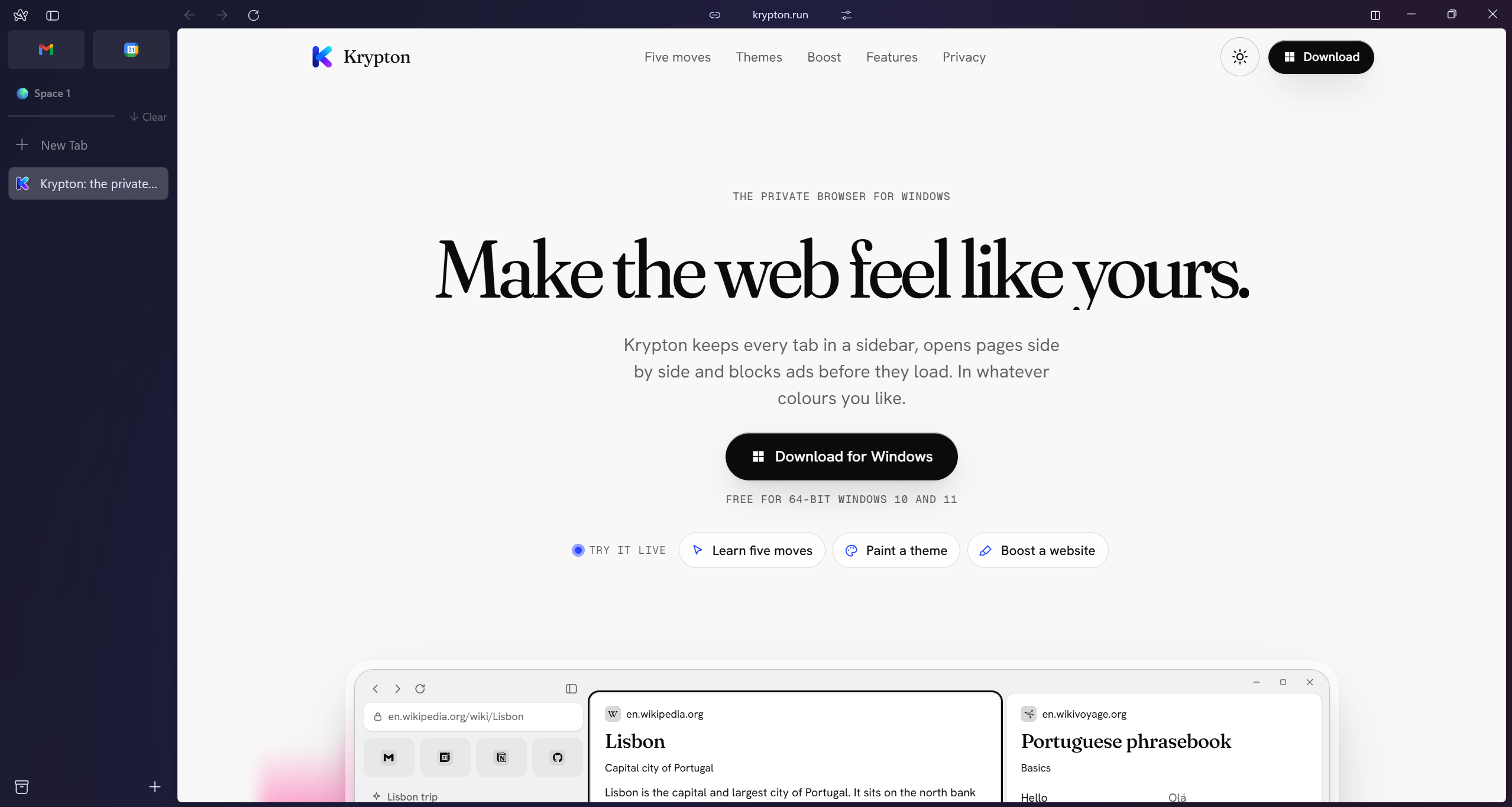
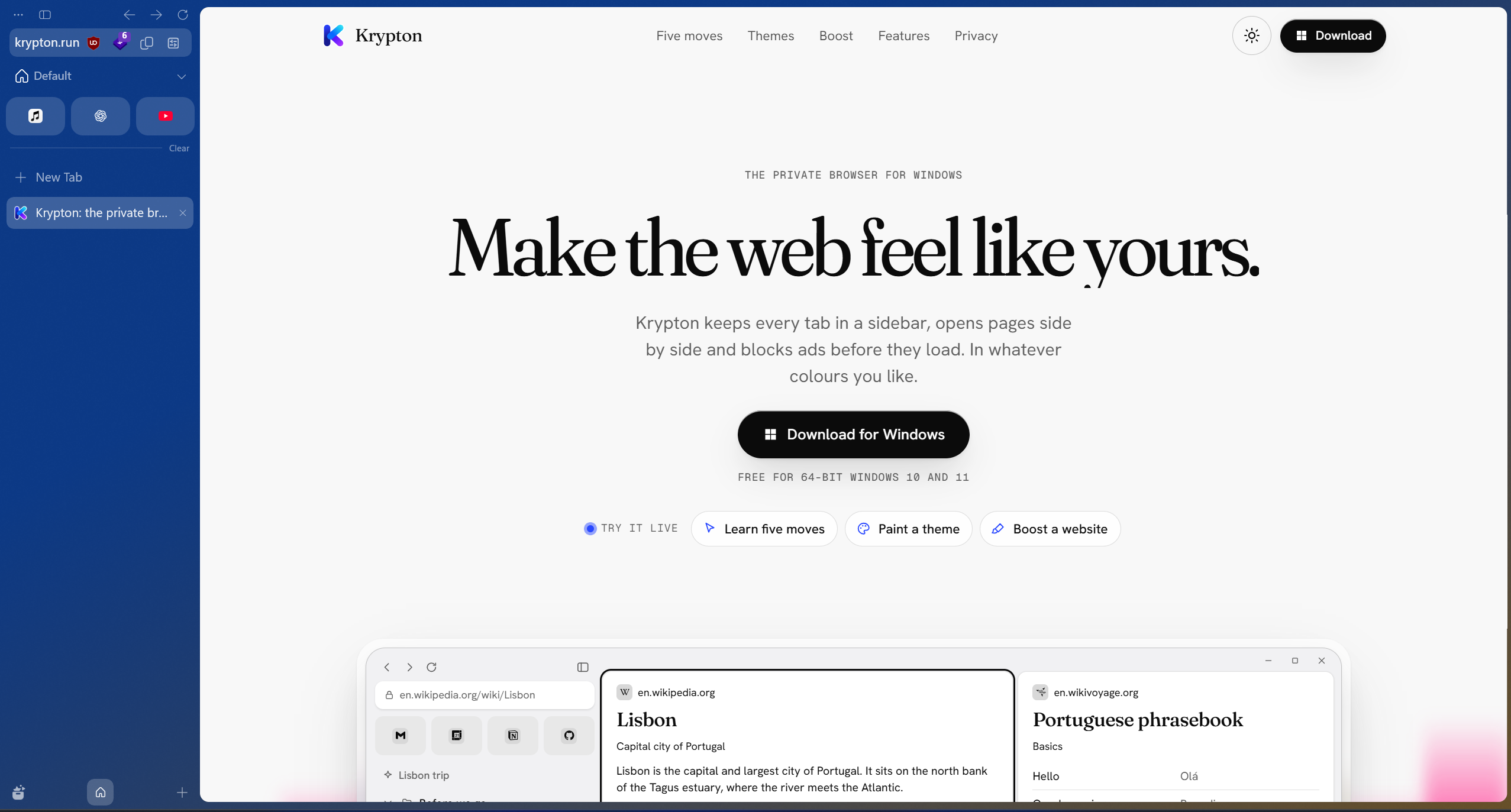
Drag the divider, or focus it and use the arrow keys.Krypton and Arc, side by side.
Krypton and Arc at a glance
Krypton is free software under the GPL-3.0 licence, with uBlock Origin built in. Setup can import your bookmarks from Arc.
| What matters | Krypton | Arc |
|---|---|---|
| Tab organisation | Sidebar tabs, workspaces and nested folders | Sidebar tabs, Spaces and folders |
| Browser foundation | Chromium-based | Chromium-based |
| Moving bookmarks | Setup can import bookmarks from Arc | Export your data and keep a copy before moving |
From Arc Spaces to Krypton workspaces
If you organise your day around Arc’s sidebar and Spaces, start by trying that workflow in Krypton. Put a project in its own workspace, give it a colour and arrange its tabs in folders. Krypton’s folders can nest five levels deep.
Bookmark import is a starting point for moving. Check your pinned pages and folder structure after setup, then arrange the workspace for the way you use it. Keep your Arc data until you have checked what arrived.
Glance, split view and Boost on Windows
In Krypton, Alt-click a link to open it over your current page with Glance. When you need several pages to stay open, split view holds up to four pages in columns, rows or a grid.
Boost changes a website’s colours and type, removes selected elements and focuses the part you want to read. These changes are yours; they do not change the website for other people. Krypton also includes uBlock Origin for content blocking.
Try one project first
Moving from Arc to Krypton
- Keep Arc installed and save an export of the data you want to retain. Arc’s help centre explains its current export options.
- Install Krypton for 64-bit Windows 10 or 11 and use setup to import your Arc bookmarks.
- Arrange your projects as workspaces, check your folders and install the extensions you need from the Chrome Web Store.
- Try your everyday sites, Glance and split view before changing your default browser or removing Arc.
Sources and further reading
Use the official documentation to check the features you depend on. Screenshots show krypton.run with the captured settings; browser layouts, themes and extensions can change the result.
- Arc: current product and sunset information
- Arc: export your data
- Arc: privacy, security and Chromium
- Krypton’s privacy policy
- Krypton’s source code
Updated